Redownload from Purchased on iPhone / iPad
Open the App Store, go to your account page, and find Shadowrocket under Purchased to download it again. Use the Apple ID that made the original purchase; one purchase covers iPhone and iPad under the same account. If the page still shows a purchase button, check the account, storefront region, and purchase history before deciding what to do next. Do not pay again immediately.
The iPhone / iPad version costs $2.99 as a one-time App Store purchase; redownloading with the original account does not require another payment. Mac, Windows, Android and Linux versions are free; download them again from the corresponding platform card when changing devices. Purchase history belongs to the store account; seeing the app icon on an old device does not by itself confirm that the current account has a purchase record.
Restore the app and server details separately
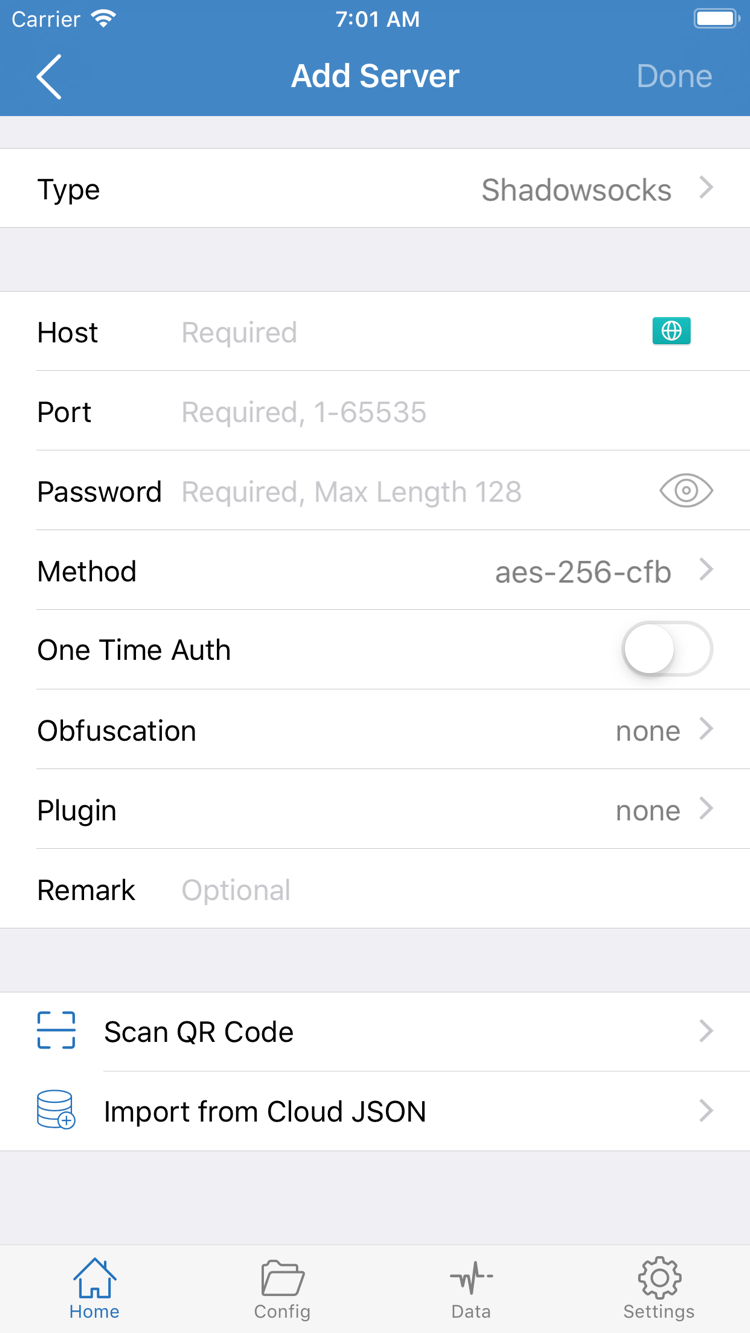
Redownloading restores the client program. After installation, check whether your subscription, server details, and Config have also been restored. If you need to import them again, use your own saved subscription address or server details. If the old device is still available, confirm that all details are present before migrating, then handle the app and data on the old device.
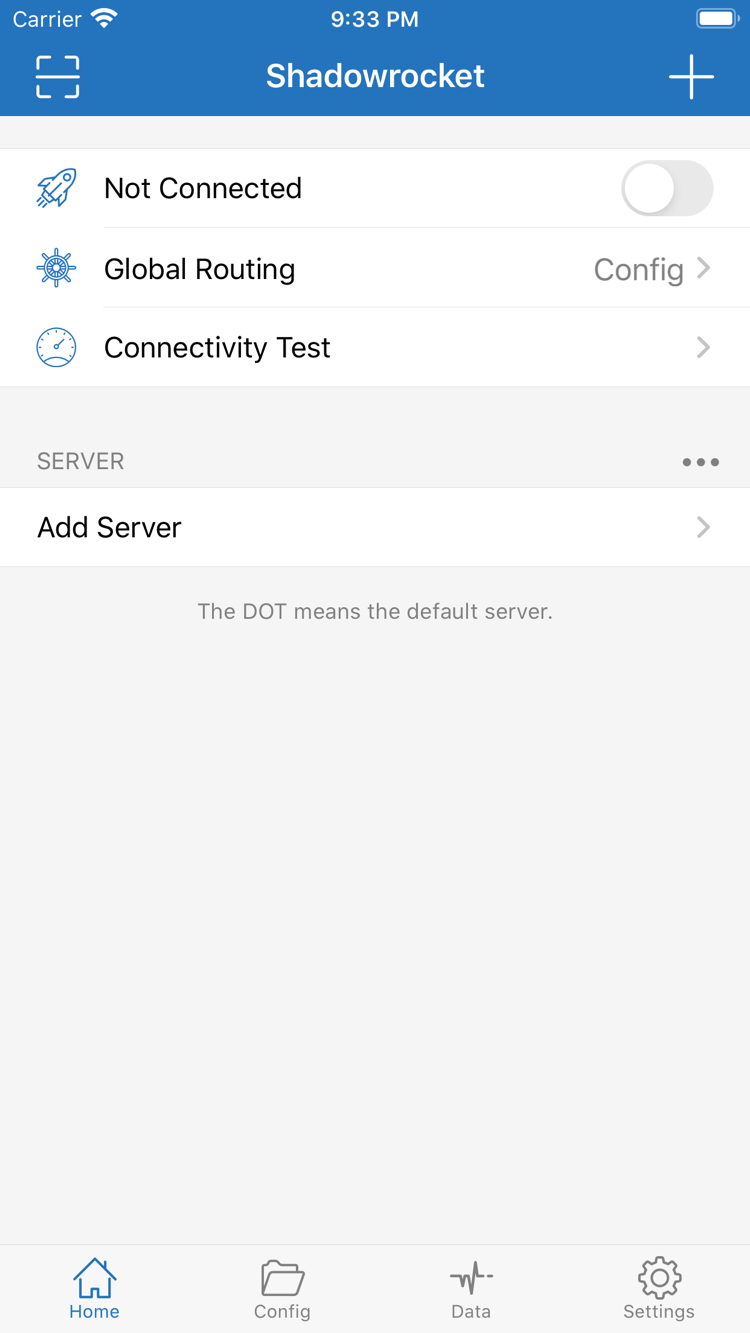
For devices with iCloud sync configured, verify the account and relevant sync settings, then check whether the data actually arrived; do not assume every field will appear automatically. After importing, check the Home SERVER list and selected item, then review Global Routing and run Connectivity Test. See the subscription import guide and Add Server guide for details.
Choose the right architecture again when moving computers or Android devices
An old Intel computer does not mean a new Mac should use the Intel installer; check About This Mac on the new device. For Linux, confirm the package format supported by the distribution. Keep your configuration details before downloading the app again, then check each item after restoration. A connection working on the old device does not prove that all settings migrated correctly to the new one.